AI Engineering Journey Documentation - One
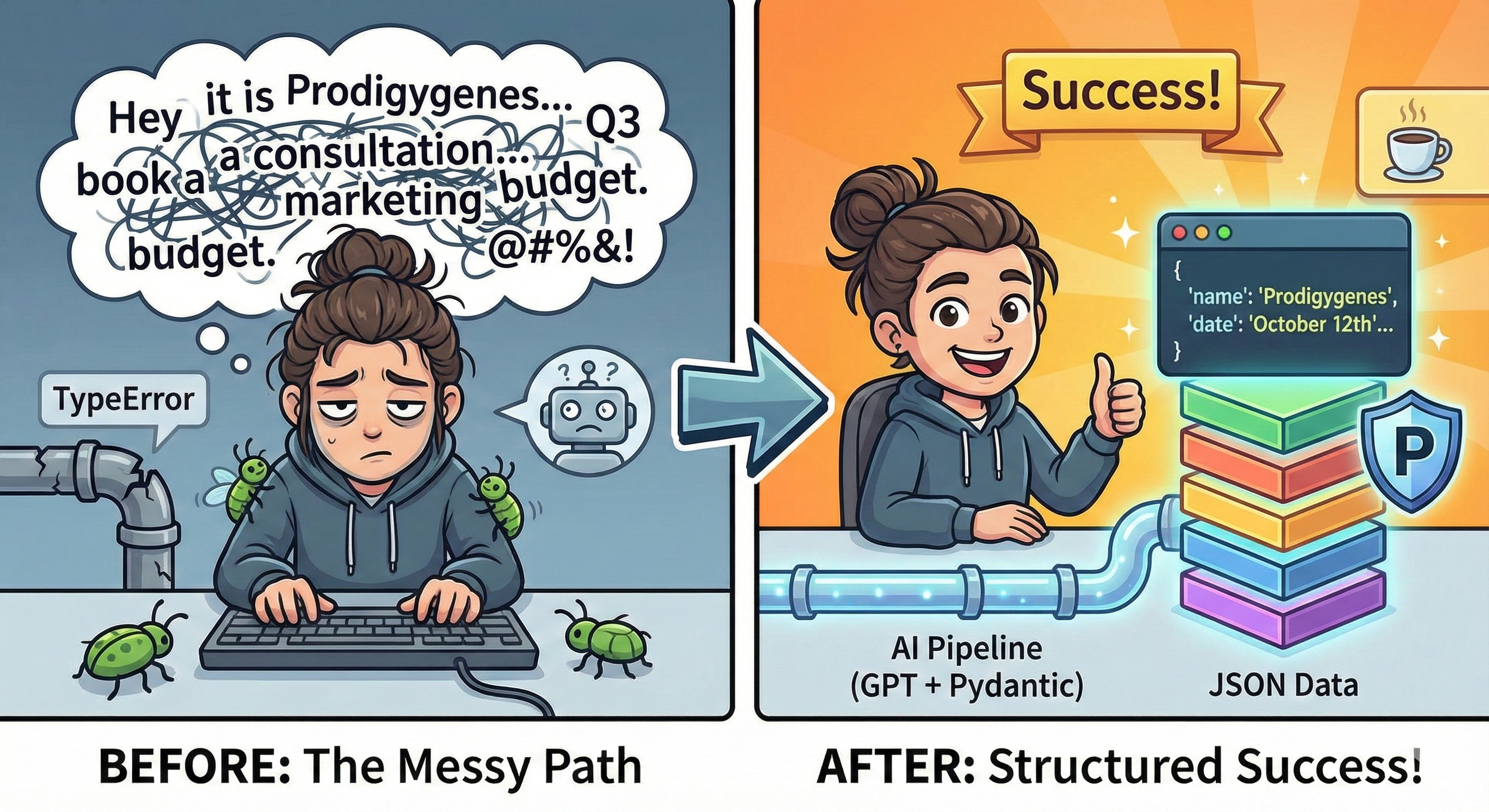
Today marked the start of my AI engineering journey and I am already tired, honestly, learning can just be a pain sometimes, you know (maybe it's because I have eaten yet or something). Well, either way I stuck to it, and I just finished a mini-project practical work I decided to mess around with.
I dove straight into building something pretty basic (I thought): taking messy human text and turning it into clean, structured data using GPT and Python. It might sound simple and it actually is but of course in the journey of every software developer, one has to encounter bugs, walk through a sea of bugs, have them almost swallow you whole before one is able to make some progress (I wonder why we put ourselves through all this in the first place🥱).
So, I started with a messy string of text:
“Hey it is Prodigygenes. I am writing to book a consultation for next Tuesday, October 12th at 2 PM. My email is bulletoze@gmail.com
. Oh, and I need to talk about the Q3 marketing budget.”
My goal was clear: extract the name, date, time, email, and topic into a structured format I could actually work with programmatically.
At first, I tried the naive approach—defining a Pydantic class and passing it directly to GPT. I thought: “BaseModel gives me JSON, so GPT should know the structure, right?” Wrong. GPT doesn’t read Python files. It doesn’t magically know my variable names. That was my first lesson: you have to teach the model exactly what you want. (Such a pain😮💨)
Next, I ran into errors. Using response_format in the GitHub AI SDK threw a TypeError.
Later, json.loads() failed because GPT’s output wasn’t pure JSON—it was empty or wrapped in markdown. I stared at the terminal for a minute, feeling the classic mix of frustration most engineers know well.
So, I adjusted my approach:
- Load my GitHub personal access token safely using a .env.local file and python-dotenv. (Turns out python doesn't automatically recognize .env.local files like Nextjs and rest so of course I had to set a path to it and apparently the automatic not-committing-to-GitHub thing we all know doesn't work either, so I had to create a .gitignore file and define it there before I mistakenly exposed secrets. Like at this point, why am I even using .env.local then?)
- I used Pydantic to define the exact structure I needed.
- Then prompted GPT to return JSON only, no explanations, no nothing.
- Stripped any markdown wrappers (
json …) before parsing. - Fed the cleaned JSON into Pydantic for validation.
And the result? Well, It worked. I ran my Python script, and there it was: perfectly structured JSON, ready to use:
{

  "name": "Prodigygenes",

  "date": "October 12th",

  "time": "2 PM",

  "email": "bulletoze@gmail.com",

  "topic": "Q3 marketing budget"

}
I could finally relax after seeing the output, hell, i even cracked a smile and everything, who wouldn't? 🤭
Anyway, I realized I wasn’t just calling an API. I was building a pipeline: messy input → GPT → validated structured output. Every misstep along the way taught me something about how AI models interact with code, how Pydantic guards my data, and how careful prompting is crucial.
Day one has been a mix of mistakes, debugging, and tiny wins. But that’s exactly how I want to learn: hands-on, iterative, and with results I can see immediately.
This is just the beginning so stick with me and we can both see where this journey takes me(us) okay? Sayonara. And thank you for reading.
Have a nice day buddy! 😎
Discussion (0)
Sign in to join the conversation
Sign in with Google to share your thoughts, questions, or feedback on this article.
No comments yet. Start the conversation above.